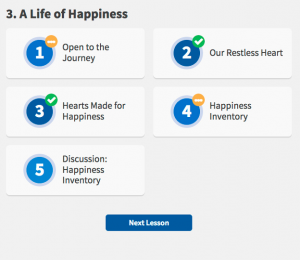
In the main navigation, select “Home” and you should see the module(s) in a block or blocks. Depending on where you left off, select one of the modules and see where you are.

Each module has lessons with blue or green check marks. Green check marks mean you have completed the lesson. If you are in a module with all green check marks, try selecting the back link in the top left-hand corner and entering into a different module. Repeat until you find where you left off.