How do I Pay an Invoice?
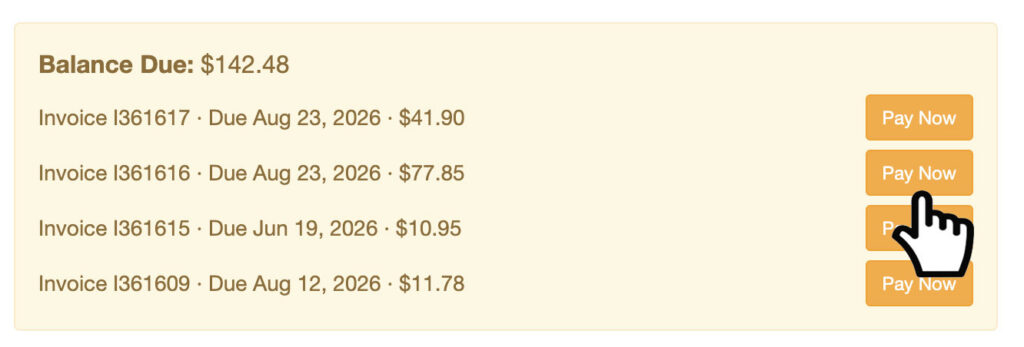
Step 1: Log into your site. At the top of the page, click ‘Pay Now’ button on the invoice listed.
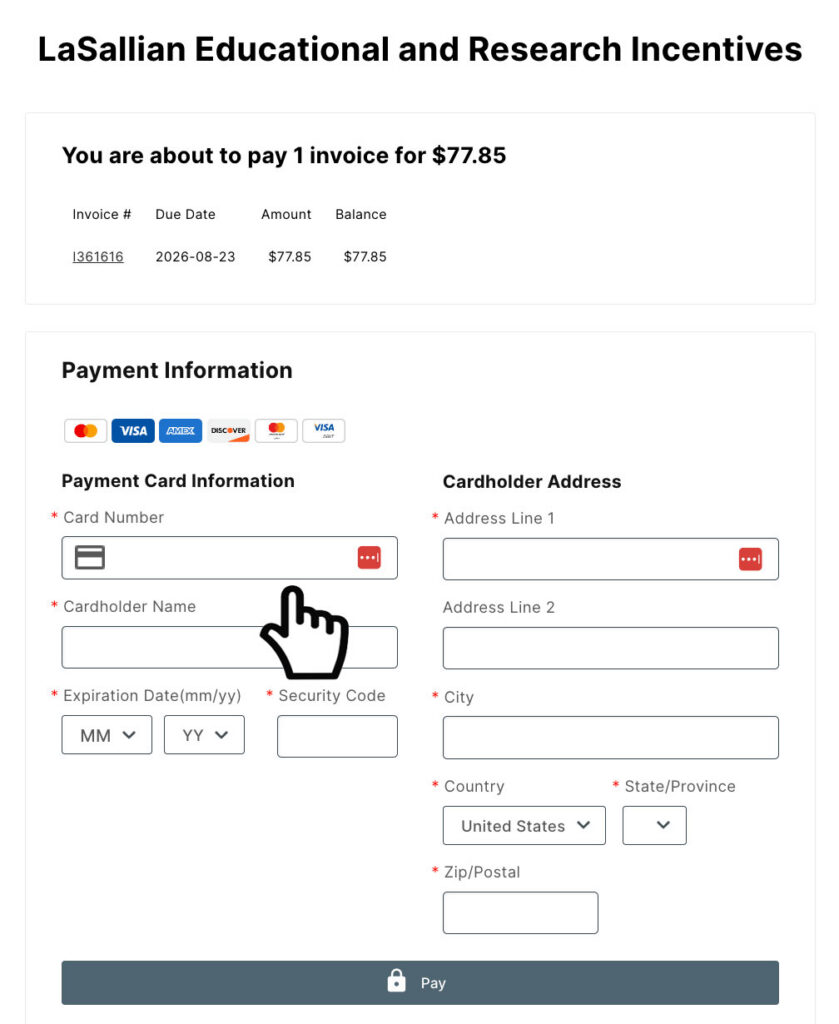
Step 2: You will be redirected to our payment page. There, you can enter your credit card information and click ‘Pay.’
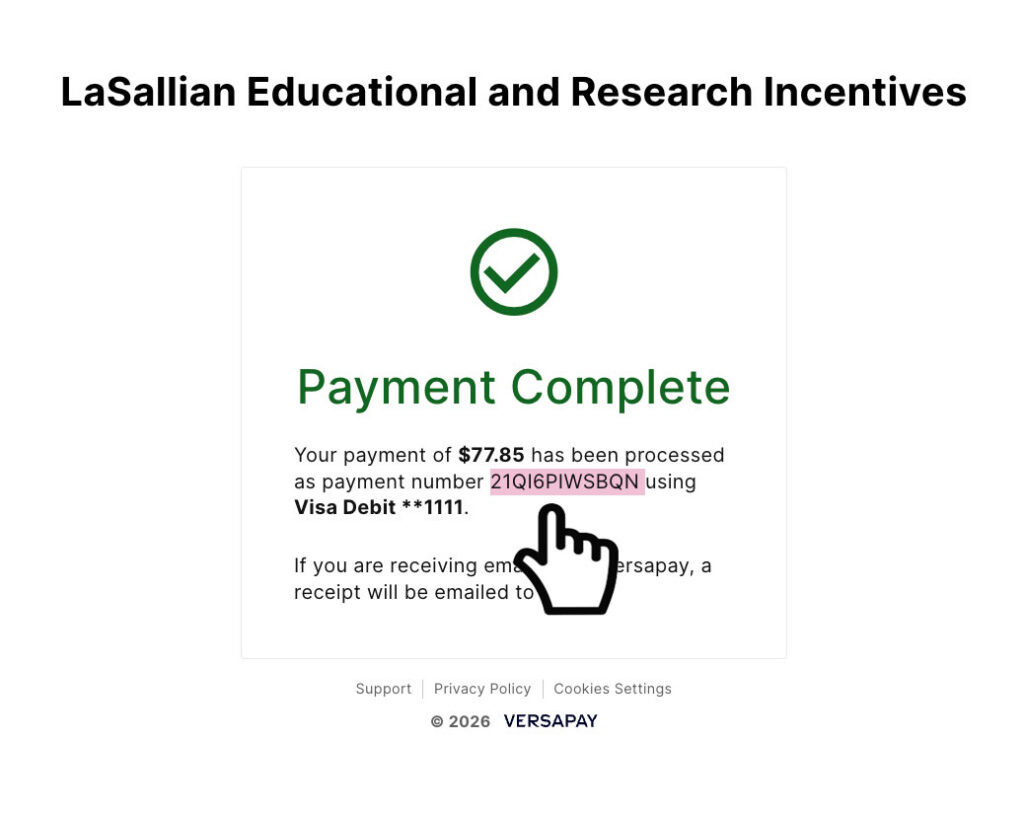
Step 3: Your payment will be processed within 24 hours and will then appear on your account. On the payment completion page, you will receive an order number, highlighted in the image below.